
Skip to content

mDNS Discovery

mDNS (multicast DNS) lets you reach your ESP3D device using a human-readable hostname like esp3d.local instead of an IP address — no DNS server required.

By default, ESP3D advertises itself as esp3d.local on the local network.


Windows

Windows 10 and later include built-in mDNS support.

If it does not work, install Bonjour from Apple (included with iTunes).

You can also use a dedicated browser like Bonjour Browser for Windows to list all mDNS services.

Then navigate to:

http://esp3d.local
macOS / iOS / iPadOS

Supported natively via Bonjour — no installation needed.

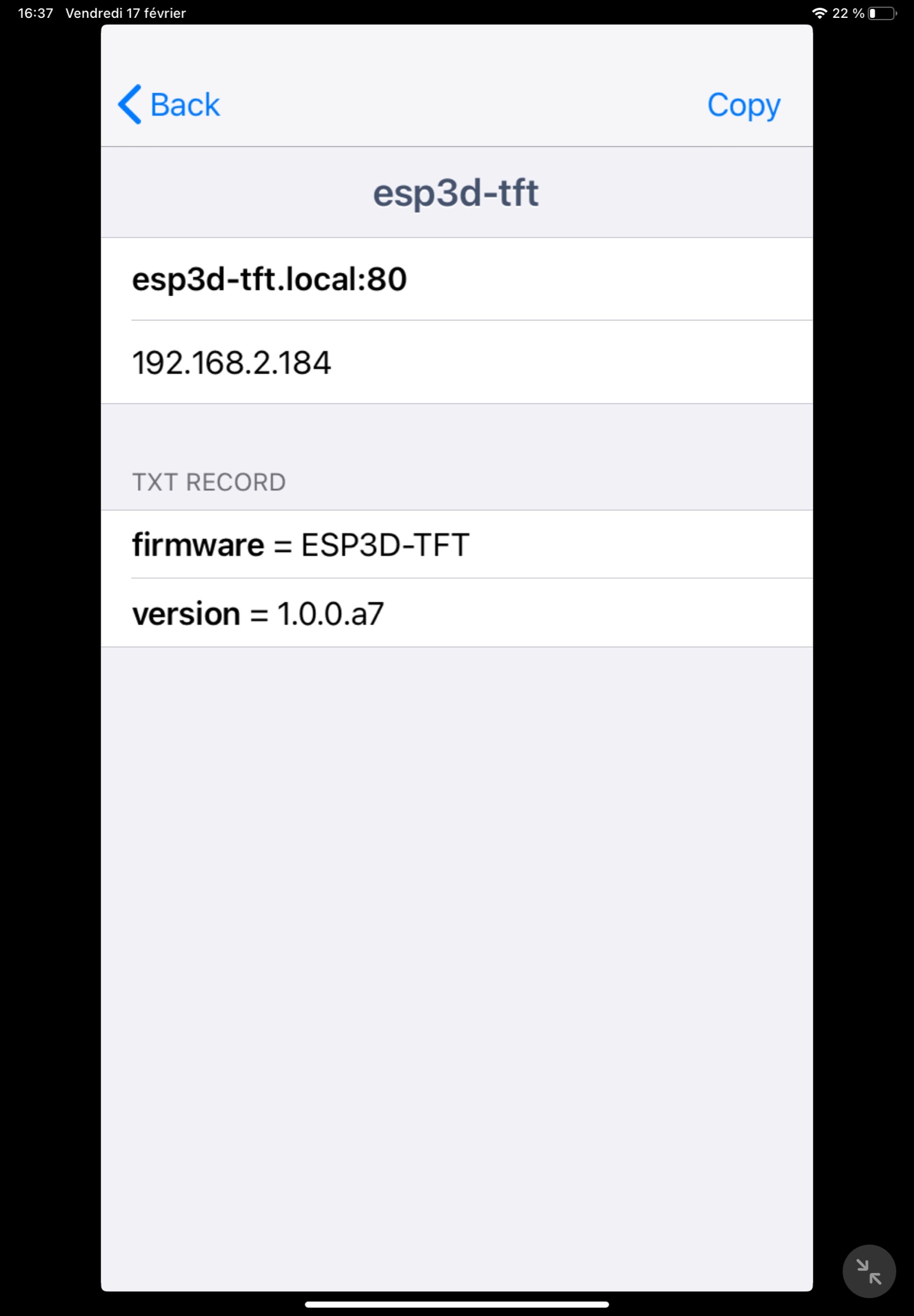
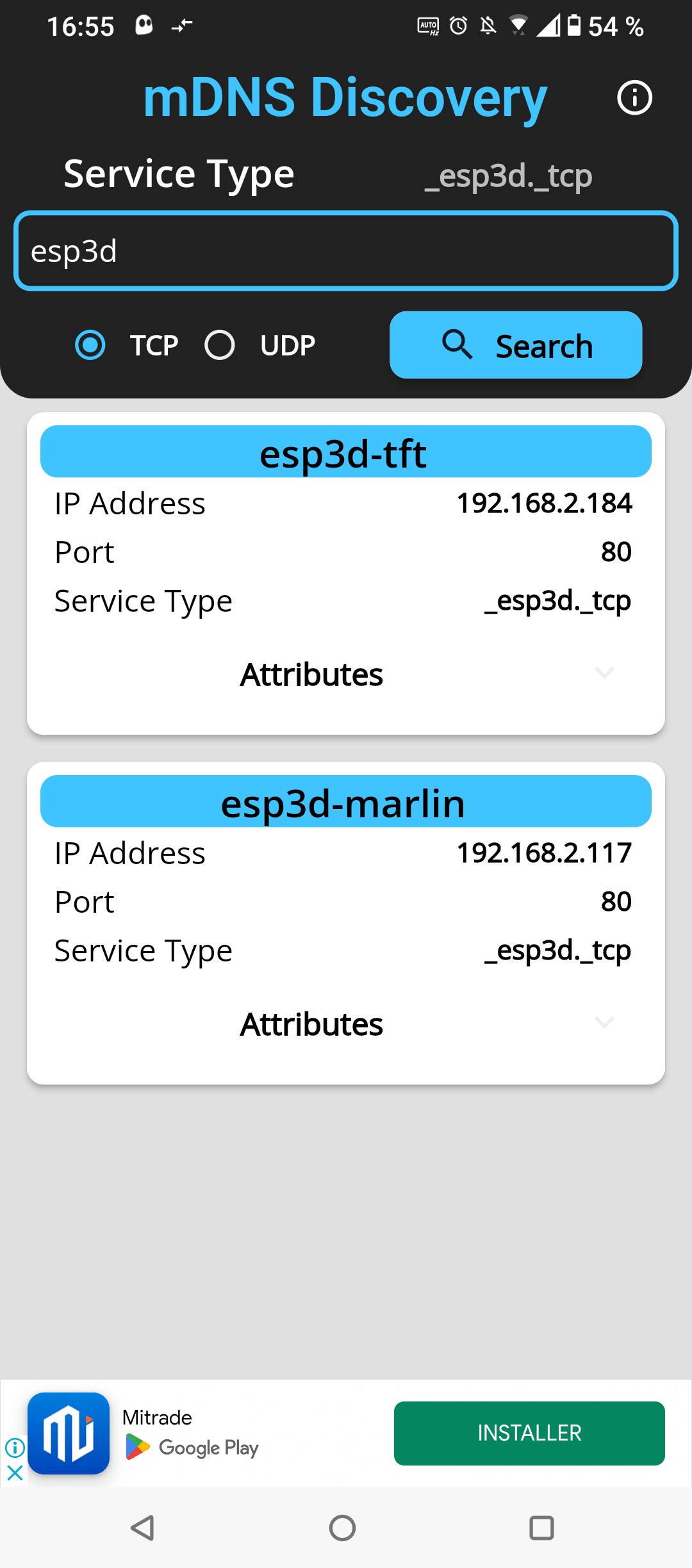
Use Discovery - DNS-SD Browser to browse all mDNS services and find your ESP3D device.

Search for esp3d in the app.

mDNS on iPad

Linux

Install Avahi, the standard mDNS daemon for Linux:

Terminal window
sudo apt install avahi-daemon avahi-utils

Then browse or resolve:

Terminal window
avahi-browse -a
avahi-resolve -n esp3d.local