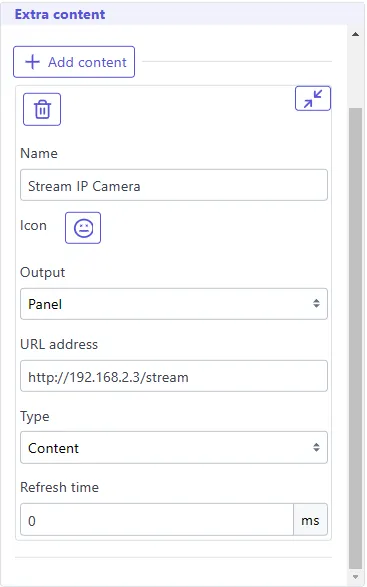
You can display your camera stream using an extra panel or an extra page.
ESPCAM32
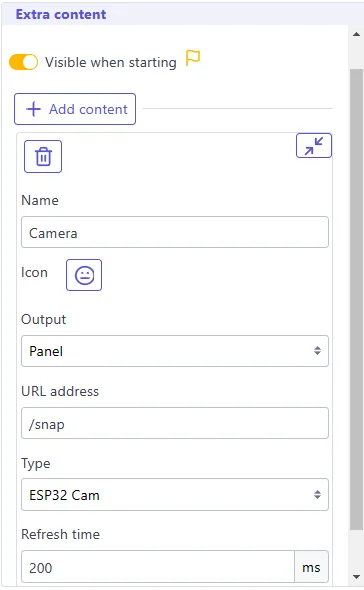
Section titled “ESPCAM32”If your board is an ESPCAM32 board and you enabled the camera feature, you can configure as following:
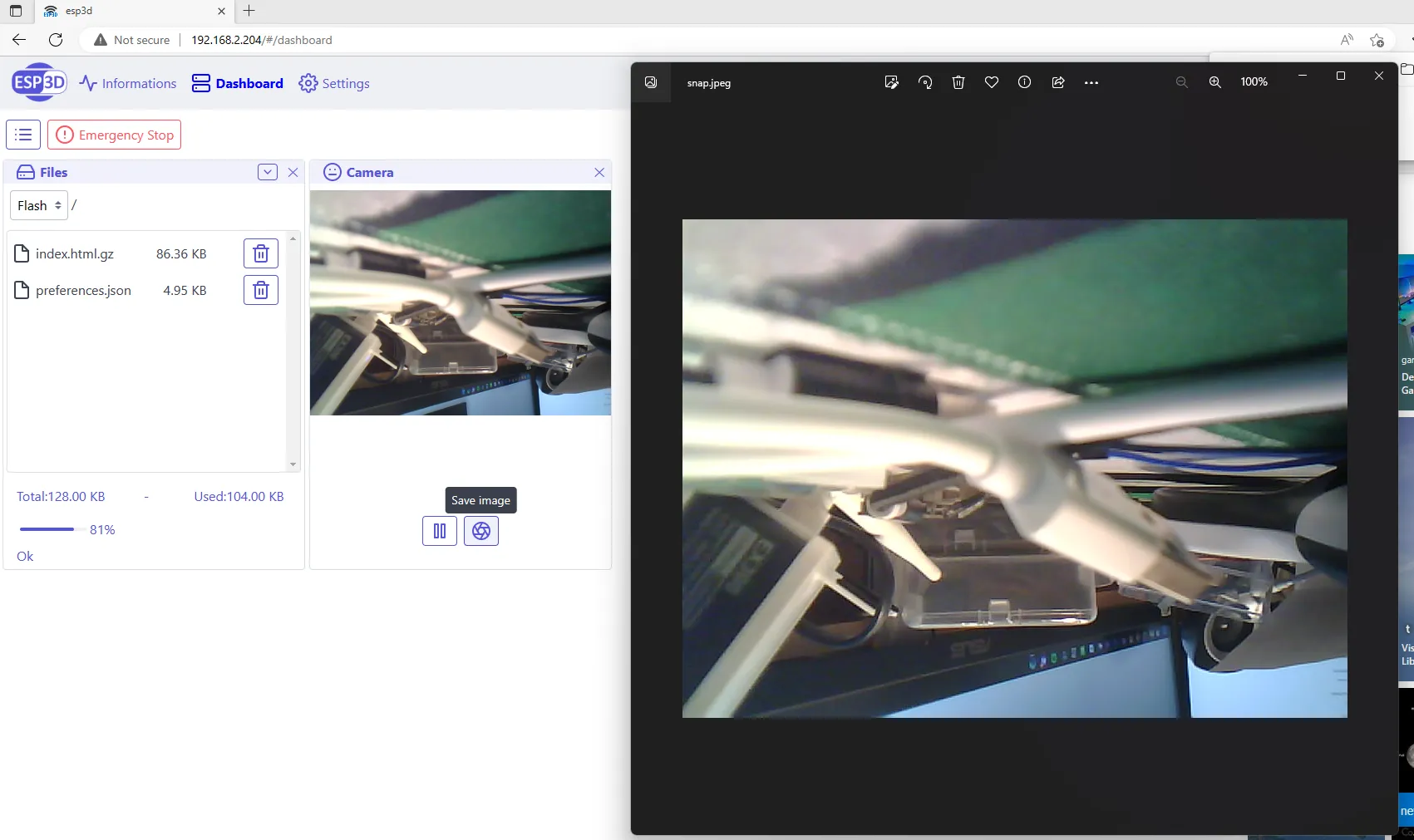
In Dashboard it will be displayed:
External IP Camera
Section titled “External IP Camera”Any camera with an IP address and a stream page will be supported, in that case you do not need to use any refresh setting.
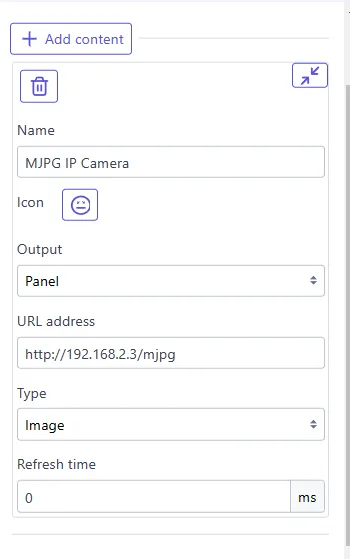
- If your camera is streaming mjpg stream (many jpeg frames), use these settings, using address corresponding tou your camera.
e.g:
- If your camera has a web page to display streaming output, use these settings, using address corresponding tou your camera.
e.g: